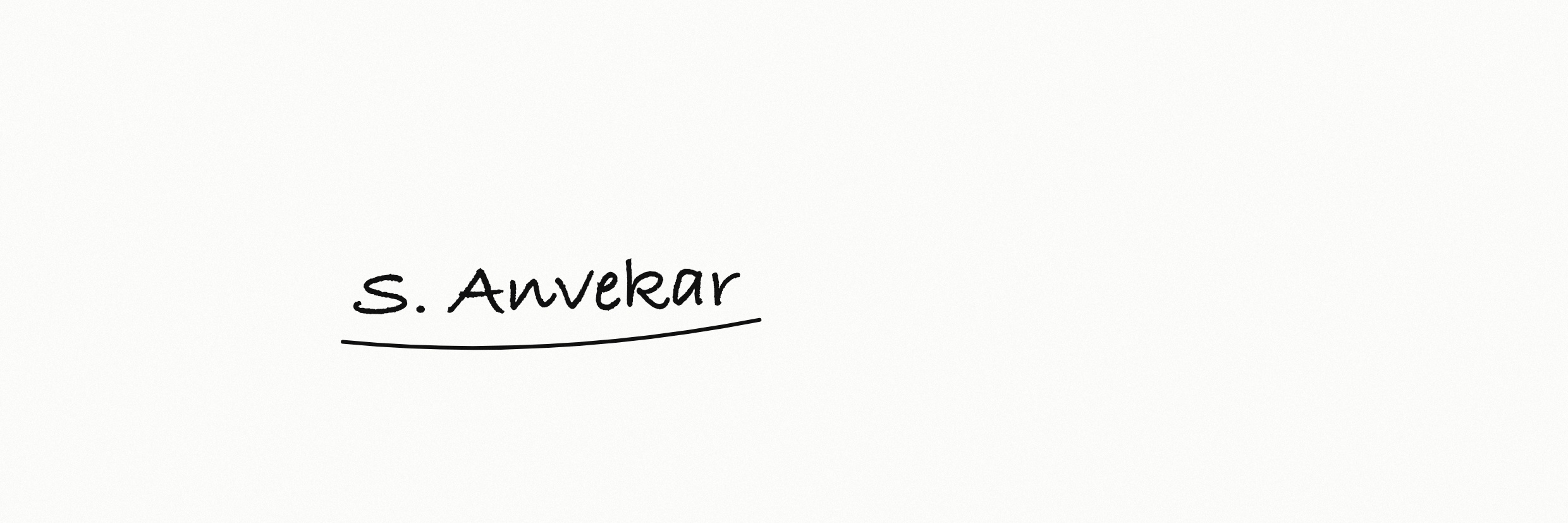
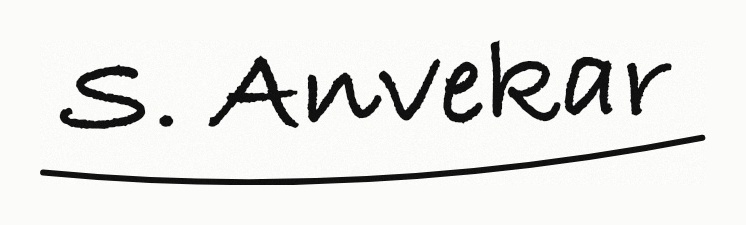
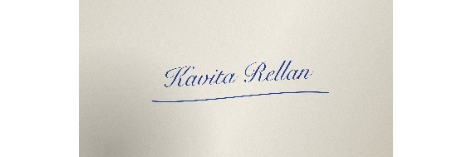
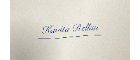
Sample 1: phone photo, blue ballpoint on grey paper
Make the paper pure white so the form accepts it. Optional; it runs on your device.
In the notices FormAssets tracks, the signature must be 10–20 KB: IBPS at 140 × 60 pixels, TNPSC at 230 × 75 pixels and SSC at about 6.0 × 2.0 cm (4.0 cm wide in one other passage of each notice). India Post GDS asks for 300 × 120 pixels at 20–50 KB, and UPSC for three signatures in one image of 350–500 pixels each way at 20–100 KB. Pick your exam or type your portal’s numbers, add a scan or photo of your signature, and download a JPG that fits without cutting any stroke.
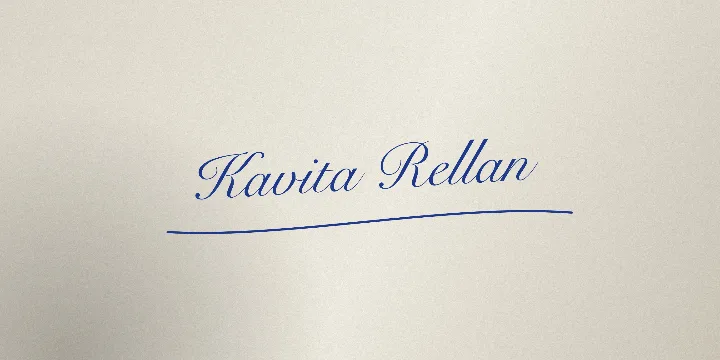
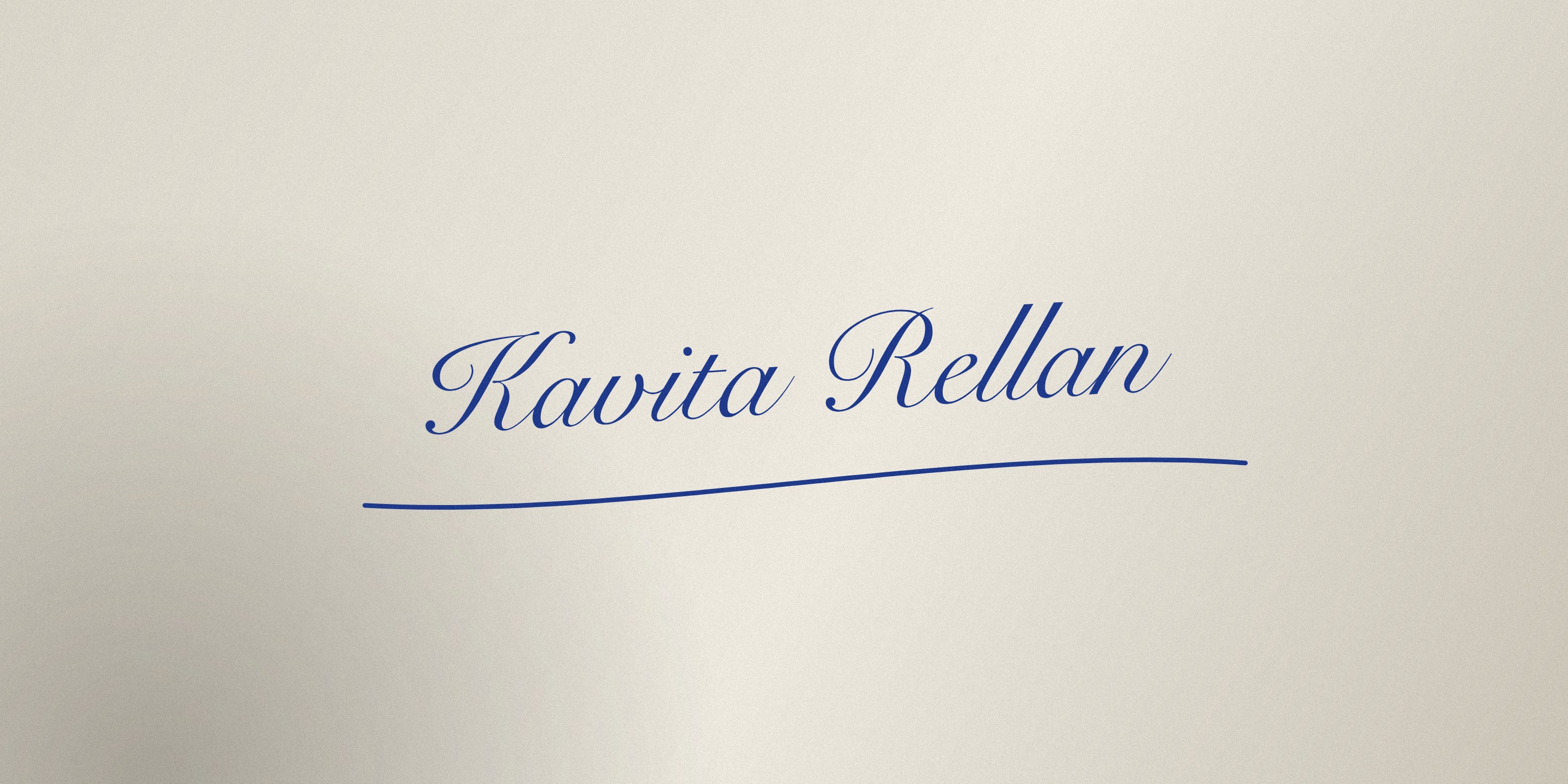
These are sample signatures created by FormAssets, not real people’s: invented names drawn by a script in handwriting fonts, saved the way a phone, a flatbed scanner and a tablet would save them. Each one went through the SSC CHSL 2026, SSC CPO 2026 and IBPS presets. Every number below is measured from the output file, and every output can be opened.


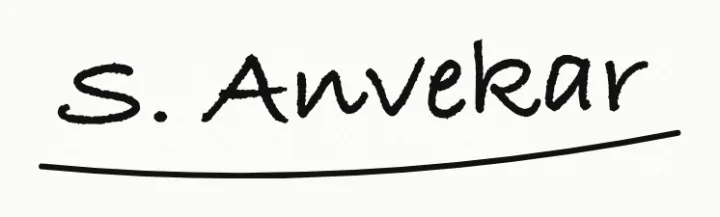
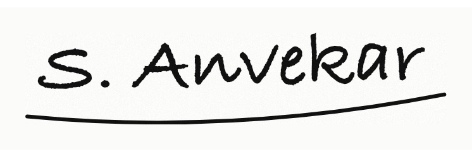
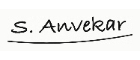


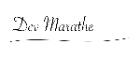
At 472 × 157 px all four outputs landed between 14.0 KB to 19.5 KB, inside SSC’s 10 to 20 KB, at JPEG quality 0.96 to 1.00 and with no padding.
At 140 × 60 px even the highest JPEG quality gave only 3.0 KB to 7.9 KB, under the 10 KB minimum. FormAssets presets that use the IBPS rule top the file up to 10.1 KB with inert padding bytes and leave the pixels alone. The resizer on this page does the same: its minimum KB starts at 10. For any other exact size, use the increase image size tool.
Uncropped, sample 2’s ink shrank to 33 × 7 px inside the 140 × 60 frame: a miniature signature, which SSC’s notices name as a reason to reject. Cropped to the ink first, the same scan filled 125 × 27 px.
Sample 3’s fine stylus underline breaks into dashes at 140 × 60 px; pick a thicker pen setting before exporting. Sample 1’s grey paper stayed grey in this test, which ran with the background left as it was; the “Clean the background” option in the tool now whitens it if you turn it on. Its blue ink would not meet the IBPS request for black ink on white paper at any size.
Crop the blank paper first. Leave a small margin around every pen stroke, then pick your exam or enter the width, height and KB limits from your notice or the official signature sizes below.
Grey or shadowed paper? Turn on “Clean the background” and choose White paper before you prepare the file. It is off until you choose it.
Keep “fit all, add white space” selected unless the portal explicitly requires a full-frame crop.
Check the download. The signature should stay legible at normal size, and the result shows its pixels and KB. For a larger exact KB, use the increase image size tool; for more detail, read how to resize a signature without cropping.
Signature rules from the notices FormAssets tracks, each checked against the issuing authority's document on the date shown. Where a notice gives centimetres and no pixels, the table shows the notice's own wording.
| Application | Dimensions | File size | Resolution | Official source |
|---|---|---|---|---|
| IBPS RRB XV Officers 2026 | 140 × 60 px | 10–20 KB | Not stated | IBPS (opens in a new tab) Checked 23 Sept 2026 |
| IBPS RRB XV Office Assistants 2026 | 140 × 60 px | 10–20 KB | Not stated | IBPS (opens in a new tab) Checked 18 Sept 2026 |
| RCF Assistant Officer (Secretarial) 2026 | 140 × 60 px | 10–20 KB | Not stated | Rashtriya Chemicals and Fertilizers Limited (opens in a new tab) Checked 18 Sept 2026 |
| India Exim Bank SRD 2026 | 140 × 60 px | 10–20 KB | Not stated | Export-Import Bank of India (opens in a new tab) Checked 15 Oct 2026 |
| TNPSC One Time Registration | 230 × 75 px (6.0 × 2.0 cm) | 10–20 KB | 200 DPI | Tamil Nadu Public Service Commission (opens in a new tab) Checked 18 Sept 2026 |
| SSC CHSL 2026 | About 6.0 × 2.0 cm in paragraph 9.6 (4.0 × 2.0 cm in Annexure-IV); no pixel size stated | 10–20 KB | Not stated | Staff Selection Commission (opens in a new tab) Checked 24 Sept 2026 |
| SSC CPO 2026 | About 6.0 × 2.0 cm in paragraph 8.6 (4.0 × 2.0 cm in paragraph 23(k)); no pixel size stated | 10–20 KB | Not stated | Staff Selection Commission (opens in a new tab) Checked 24 Sept 2026 |
All three ask for 10–20 KB. IBPS-run recruitments ask for 140 × 60 pixels. TNPSC asks for 230 × 75 pixels, signed inside a 6.0 × 2.0 cm box and scanned at 200 DPI. SSC's CHSL and CPO 2026 notices ask for a JPEG of about 6.0 × 2.0 cm, but each also prints 4.0 × 2.0 cm once (CHSL in Annexure-IV, CPO in paragraph 23), and neither gives a pixel size. The table on this page links each official document.
Divide the centimetres by 2.54 and multiply by the DPI. At 200 DPI, 6.0 × 2.0 cm is 472 × 157 pixels. A notice that states centimetres but no DPI, as SSC's 2026 notices do, does not fix one pixel size, so any conversion is an assumption.
Not with the default setting. Fit all adds white space around the signature so every stroke stays inside the exact width and height. Fill frame crops the edges and is rarely right for a signature.
Set the minimum KB in the tool to your portal's minimum; it starts at 10 KB. A JPG that comes out smaller gets padding bytes after the image data to reach it, and no pixel changes. For a larger exact size, use the increase-image-size tool.
Turn on Clean the background in the tool and pick White paper. It measures how bright the paper is across the photo, so shadows and uneven light flatten, then turns the paper pure white and keeps the pen strokes dark with smooth edges. Then choose Keep ink colour for blue ink or Make ink black for black. Pick Transparent (PNG) only if your form takes PNG, because a JPG cannot be transparent and gets white paper instead. The cleaning runs in your browser, nothing is uploaded, and the file is then resized to your pixels and KB limit. If it finds no ink, or the photo is too dark, it says so and you can retake the photo or turn cleaning off.
Follow your notice. The IBPS upload guidelines ask for black ink on white paper; TNPSC's instructions allow blue or black ink inside the drawn box.
FormAssets sets the pixels and the file size, and shows both before you download. It cannot tell whether the signature is legible, in the ink your notice asks for, or yours; open the JPG and look.
Copy the sizes from your own notice or upload screen; the table above shows where each one comes from.
Compare the numbers in the pixels, KB and DPI guide, or start from an application preset linked to its official notice.
Other tools: Increase image size in KB · Photo resizer in KB · Resize image to 20 KB · Compress image to 50 KB · Compress image to 100 KB · Compress image to 200 KB · Compress PDF to 200 KB · Compress PDF to 100 KB · Compress PDF to 500 KB · Compress PDF to 300 KB · Compress PDF to 50 KB · Compress image to 30 KB · Compress image to 15 KB · Compress image to 10 KB